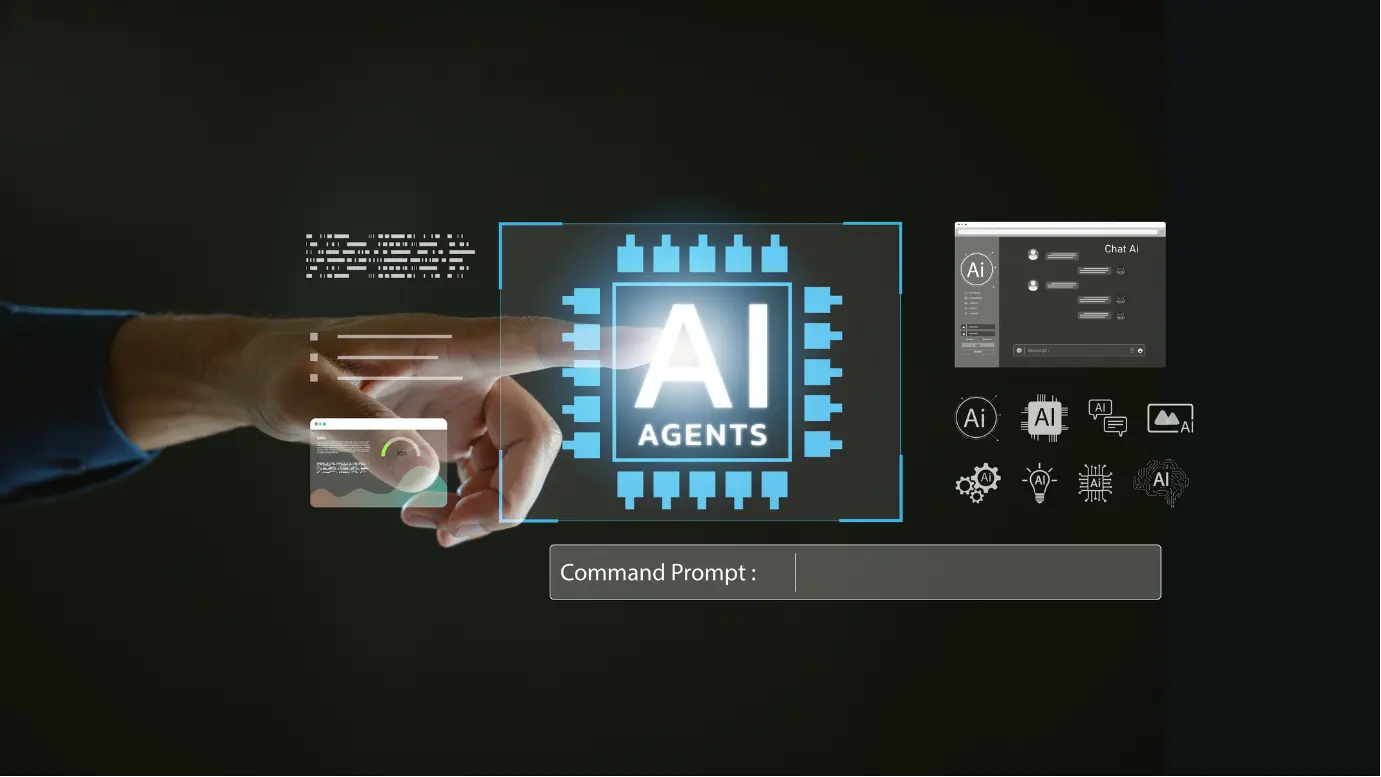
Each version of BricsCAD is enhanced with AI-driven intelligence that learns from your workflow and adapts to the way you design. Handling repetitive tasks, correcting minor inconsistencies, and anticipating your next step. Helping you focus on what matters most.
BricsCAD’s AI-driven tools are designed to help you work smarter with each drawing. Providing you with consistent support in predicting commands when you need them, simplifying pattern exercises and reusing details across your project so you deliver more in less time.
BLOCKIFY
Detects repeated 2D/3D geometry, converting to blocks, shrinking file size and standardising drawings for better performance and easier editing.
COPYGUIDED
Helps to avoid re-drawing similar geometry repetitively when copying or moving, by adapting them to the new context.
OPTIMIZE
Fixes small misalignments and gaps in geometry. Cleans DWGs from other platforms, helping you snap and dimension without manually fixing.
BIMIFY
Automatically classifies plain 3D solids as BIM elements. Transforming a geometric model into a structured BIM model in one easy step.
BricsCAD AI Assist
BricsCAD’s AI Assist tool watches how you work over time and learns what commands you use most and in what order. These suggestions are presented in the AI Assist ribbon panel and support every type of worker with their drawing. From new and occasional user support by acting like a guide, consistently suggesting sensible next steps in your drawing. Also for experienced users, reducing time off each operation by keeping frequently used commands at your fingertips.
This amazing tool is included in every BricsCAD software, so you can experience intelligent assistance no matter what tool or BricsCAD platform you choose to work on. Also included in the BricsCAD 30 day free trial, so you can experience the ground breaking technology before you buy.
BricsCAD's Software Collection
Discover the BricsCAD software collection. Including AI tools in each version to support every drawing you design.
2D drafting and detailing software, including BLOCKIFY and OPTIMIZE.
AI provides support to CAD users regardless of the industry they work in or the experience level they have. In CAD software, AI assists by taking care of repetitive tasks that ultimately slow projects down. At the drawing level, AI-driven tools are used to recognise repeated patterns and turn them into standard blocks. It helps by automatically cleaning up gaps, overlaps and tiny misalignments that cause snapping issues and sometimes rework. Rather than manually fixing imported or legacy DWG files line by line, users can bring them up to a reliable, “production ready” state in a few clicks.
To add onto that, AI tools help adapt existing details intelligently when they are reused elsewhere in the drawing, helping teams capture and apply their best solutions without having to redraw them every single time.
Could AI Replace Traditional CAD Design?
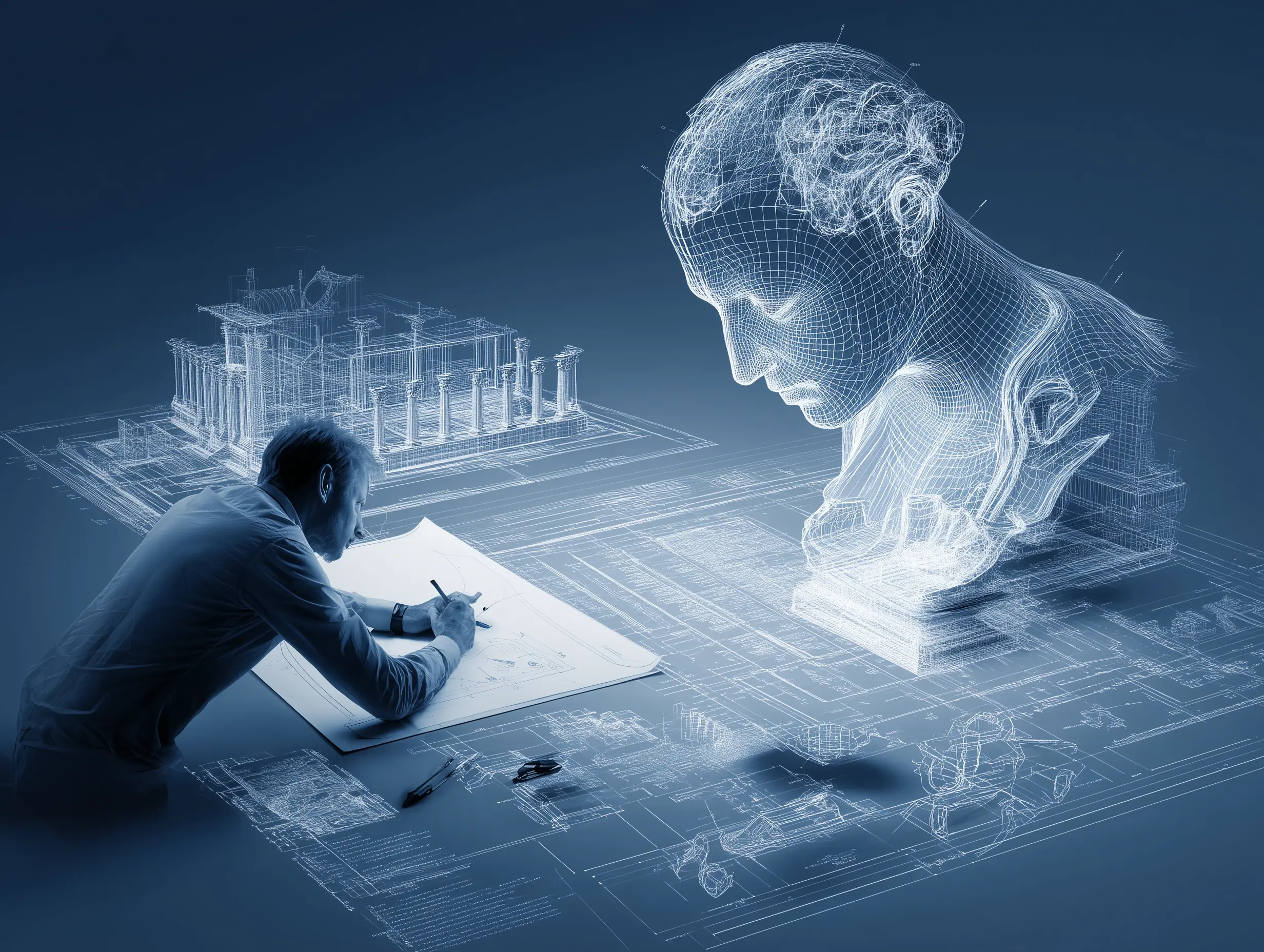
The difference that AI will create in the CAD industry is not to replace or take over the user’s role in designing and creating. Where AI fits into this industry is acting as an intelligent assistant rather than a replacement. While there is a discussion around AI taking jobs and roles, real CAD projects still depend on human judgement. Each drawing must understand the clients needs, balance constraints, ensure complete safety and make creative trade-offs that AI can’t own.
In today’s world, CAD AI excels at automating repetitive tasks like drafting, cleanup, pattern recognition and detail reuse. Helping to speed up modelling and documentation but not deciding what should be designed in the first place. The true advantage will belong to designers who learn to use AI as a copilot. Giving simple instructions and handing the grunt work so users can stay focused on design intent, coordinator and innovation. The future of CAD is human-AI collaboration, not a replacement for the user. Where AI becomes another powerful tool is in the hands of a professional.
Contact Us
Interested in BricsCAD and want to find out more? Complete the contact form to speak directly with our team