Experience Smarter 2D & 3D CAD Software, When Switching to BricsCAD
BricsCAD is professional CAD software for 2D drafting, 3D modelling and native DWG workflows, helping your team work faster with flexible licensing and AI driven tools at a lower annual cost.
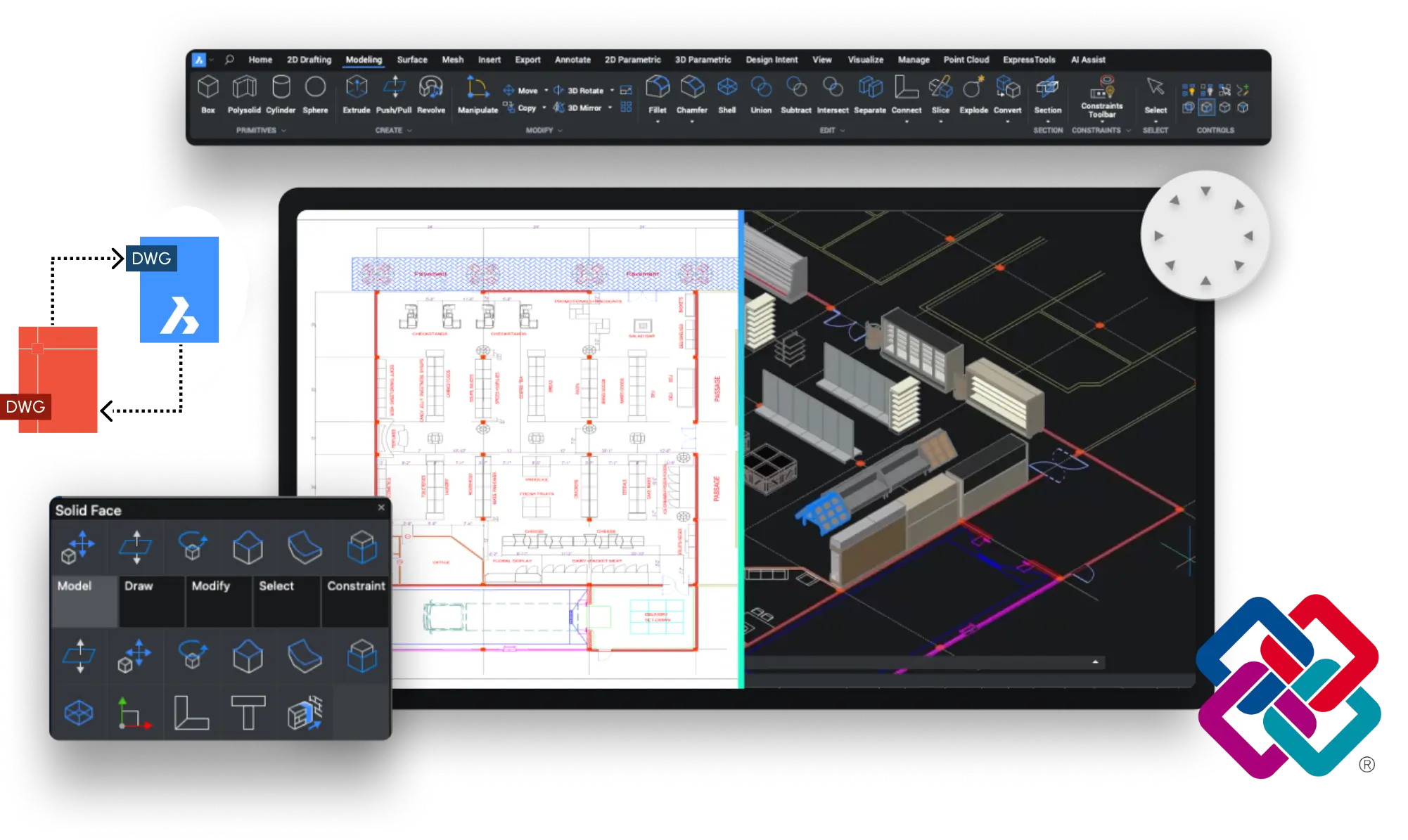
BricsCAD gives teams a practical CAD platform for 2D drafting, 3D modelling and native DWG workflows. With flexible licensing, lower annual costs and intelligent tools, it helps you work more efficiently in one familiar environment.
2D CAD Drafting
Create precise 2D drawings and detailing with professional tools built for fast everyday production work.
Flexible 3D Design
Develop 3D models with intelligent tools that support smoother workflows, faster design changes, and better project output.
Native DWG Workflows
Work natively with DWG files for better compatibility, easier collaboration and less disruption across projects.
Will BricsCAD Help You Work Smarter?
BricsCAD understands that every workflow is different. That is why it gives CAD users a platform built around the way they work, with a familiar interface, hassle compatibility with files from other CAD platforms, and a licensing plan that fits their needs. Everything you need to work smarter is included in BricsCAD from day one.
Flexible Licensing
You control how you pay for CAD. BricsCAD offers both subscription and perpetual licences, so you can choose the model that works best for your team and budget.
DWG File Interoperability
BricsCAD works effortlessly with DWG files from any team or client. Your workflow continues uninterrupted, no matter what 2D or 3D software others are using.
AI-Powered Tools
Automate repetitive tasks and save your time for the work that matters the most. BricsCAD AI tools help you focus on the design, so you always hit your target.
What Makes BricsCAD So Powerful?
Designed to Feel Instantly Familiar
BricsCAD is designed to feel familiar from the moment you open it. The interface, command line, shortcuts and tool palettes all mirror what you use everyday. Your muscle memory still works, your existing templates carry over, and your team is productive from one day.
Your Hardware Works Harder
Engineered to operate with a significantly lower RAM and CPU footprint, BricsCAD opens files quicker, provides smoother navigation and has stable performance, even on machines that aren’t top of the range. Your hardware finally gets to do the job it was bought to do.
Everything You Need, All in One Place
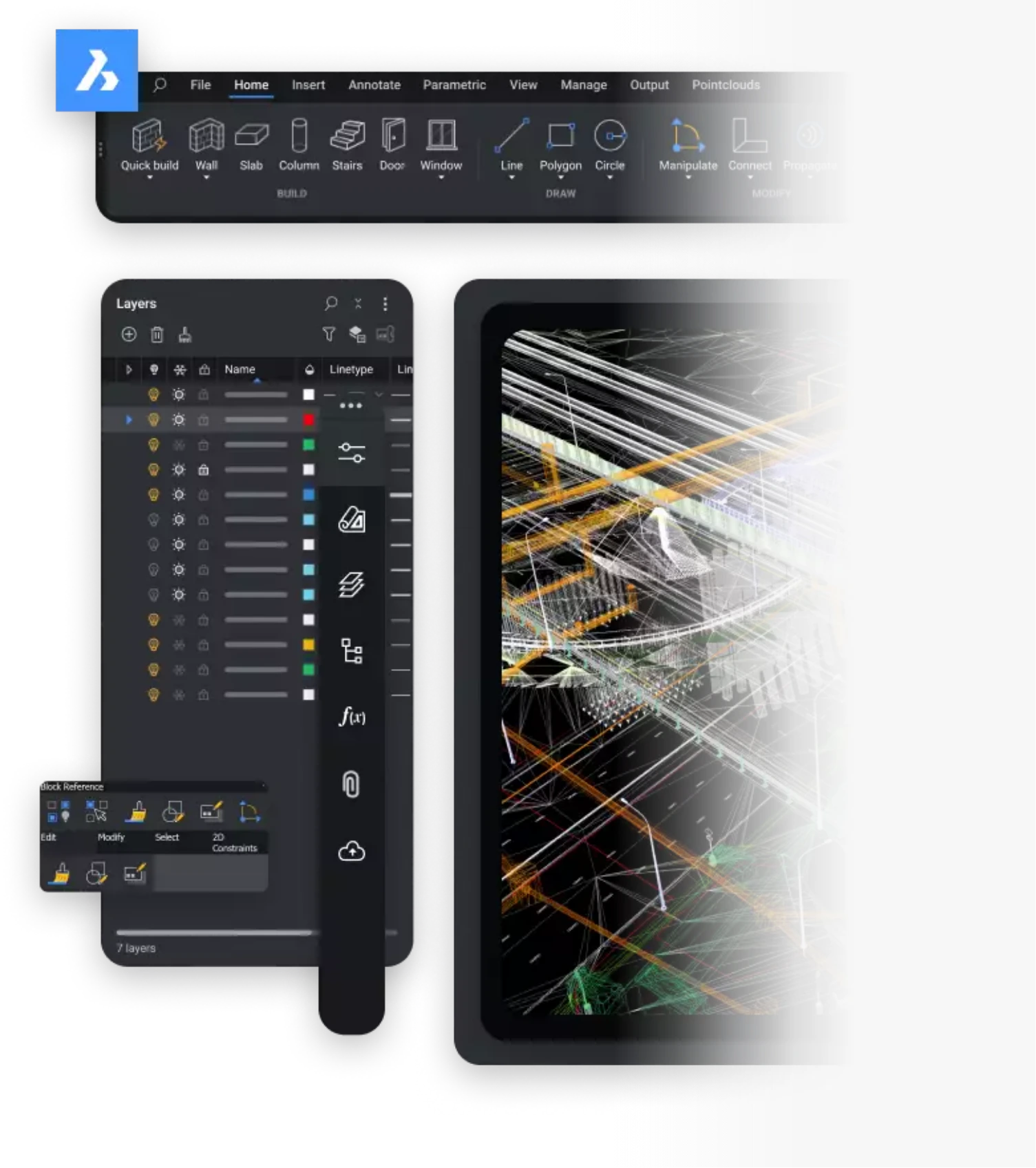
2D drafting, 3D modelling, BIM and mechanical design under a single install. Whether its simple floor plans or complex multi-disciplinary models, you have everything you need in one place. One licence, one interface, and an ultimate platform that grows with your workload.
Finding the right alternative CAD software shouldn’t just add features, it must make a real difference to how you and your business work. Whether you manage a large team or work independently, BricsCAD delivers improvements where you actually feel them. From faster file handling and smarter automation to flexible licensing that puts you back in control.
Adapt the software to your workflow with custom tools, scripts, and settings.
Ease of Transition
Get started with confidence due to the familiar interface. No training required.
Cost Control
Control how you pay for your CAD software with flexible perpetual and subscription options.
Team Collaboration
Work across teams and clients without worrying about DWG file issues or interruptions.
Who’s Already Made the Switch to BricsCAD?
Organisations across multiple industries trust BricsCAD for their design workflows. While changing CAD software can feel like a big step, many teams have already made the move and are now seeing real improvements in flexibility, efficiency, and control.
THS Concepts
BricsCAD® Pro
“Once you get used to BricsCAD, you can’t imagine going back. Our staff can operate in the same efficient manner. Our output is just as good. There’s absolutely no difference, because the transition is so simple for us,”
Tom Ayre, Managing Director
IDH
BricsCAD® Pro & Lite
“Overnight, I was able to cut down the time it would take to create 2D documentation of a design from 3 hours to 5 minutes.” “Rather than having to redraw on multiple views of a 2D drawing, our documents are created instantly..”
Carl James, Design Engineer
Morrisroe
BricsCAD® Pro
“BricsCAD makes it easier because it’s fast software you can overlay. You can download and import the information from GSI to DXF files very quickly, very smoothly, from the total station on to BricsCAD. Then you format as you draw, quickly,”
James Wibberley, Engineering Lead
Why Choose NORI CAD?
Switching CAD software is a big decision, but you do not have to do it alone. With NORI CAD, you have the support and expertise needed to transition to BricsCAD smoothly and keep your team productive throughout.
Get fast, reliable help from specialists who understand your workflows and keep your projects moving.
Switch with Confidence
Transition to BricsCAD with expert support that keeps your team productive from day one.
Dedicated Account Manager
Work with a single point of contact who understands your needs and helps you get the most from your CAD setup.
Find the Right BricsCAD for Your Workflow
Every workflow is different, which is why BricsCAD offers a range of solutions tailored to your specific needs. Whether you’re focused on 2D drafting, 3D design, or advanced BIM and mechanical workflows, you can find the right version to match how you work.
A complete CAD solution for teams that need 2D drafting, 3D modelling, BIM, and mechanical design in one platform.
Switching is straightforward, thanks to a familiar interface and full DWG compatibility. With our support and onboarding, you can transition smoothly with minimal disruption to your workflow.
Whether you move teams gradually or all at once, we help you choose the approach that works best for your business.
Most users familiar with other CAD software can get started quickly due to the intuitive interface.
For additional support, we offer training courses to help your team build confidence and get the most from the software. Tailored training is also available for specific workflows.
Our team provides support from day one, helping you at every stage of your transition. With over 20 years of CAD experience, we ensure you have the guidance needed to keep your projects running smoothly.
BricsCAD Lite is a professional 2D CAD software option for creating, editing and managing accurate DWG drawings. It is designed for users who need reliable drafting tools, drawing organisation, annotation, layouts and plotting for real project work.
Yes. BricsCAD Lite is well suited to 2D drafting, including technical drawings, plans, layouts, details, dimensions, annotations and DWG based documentation. For users who also need 3D capability, BricsCAD Pro includes professional 2D drafting tools with added 3D functionality.
Yes. BricsCAD allows you to create precise 2D CAD drawings for architecture, engineering, manufacturing, construction, interiors and other professional workflows. You can draw, edit, annotate, organise and publish 2D drawings in a familiar CAD environment.
BricsCAD Pro is a professional 3D CAD software option for users who need to create, edit and develop 3D models alongside accurate 2D drafting. It gives you the flexibility to work in both 2D and 3D within one CAD platform.
Yes. BricsCAD Pro allows you to create and edit 3D models, making it suitable for users who need more than 2D drawing tools. It is a strong option for design teams that want 2D drafting and 3D modelling in a DWG compatible CAD environment.
Yes. BricsCAD gives users a practical route from 2D drafting into 3D design. BricsCAD Lite is suitable for focused 2D work, while BricsCAD Pro adds 3D capability for users who want to expand their CAD workflow as project needs grow.
Interested in BricsCAD and want to speak to our experts on how best we can help you? Complete the form below and someone will be in touch to assist you.