Get Up to Speed with BricsCAD® V25 – What's New Since V21?
Still using an earlier version of BricsCAD®? Now is the ideal time to upgrade and discover all the exciting improvements in BricsCAD® V25. Users transitioning from BricsCAD® V21 will benefit greatly from a range of new and enhanced features designed specifically to boost productivity and streamline workflows.
Since V21, we’ve consistently upgraded each BricsCAD® edition, meeting the unique needs of engineers, manufacturers, surveyors, and designers.
Enhanced CAD Efficiency – BricsCAD® Lite & BricsCAD® Pro V25
Parametric Blocks – NEW & Unique to BricsCAD®
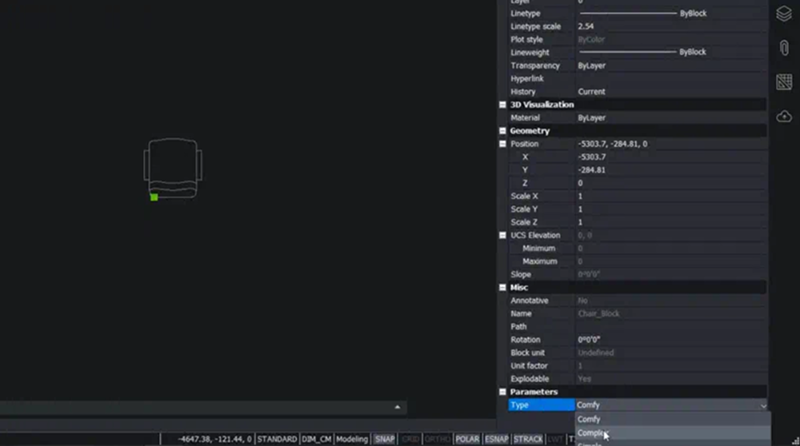
Introduced after V21, Parametric Blocks provide a powerful alternative to Dynamic Blocks, suitable for both 2D and 3D applications. Define a block once, then reuse it effortlessly in various sizes, visibility states, and orientations.
MOVEGUIDED – NEW & Unique to BricsCAD® MOVEGUIDED greatly simplifies moving elements within designs. Select an object and relocate it to a similar context—BricsCAD® automatically handles snapping, orientation, and geometry adjustments, filling gaps seamlessly and regenerating hatches perfectly.
SIMPLIFY – NEW The SIMPLIFY command optimises your geometry by reducing unnecessary vertices in polylines and hatch boundaries, preserving shapes while improving performance.
OPTIMIZE – NEW
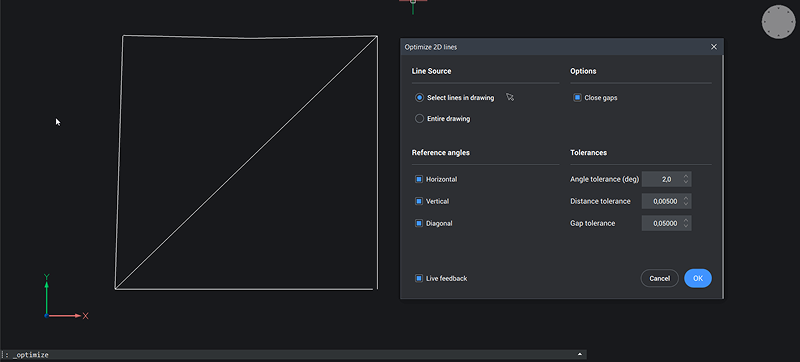
OPTIMIZE swiftly corrects common 2D drawing errors such as misaligned lines and gaps, ensuring precise connections. Adjust tolerances easily and preview changes live.
Performance – ENHANCED BricsCAD® V25 significantly boosts performance compared to V21, offering faster loading of large drawings, background XRef loading, and improved multi-threading capabilities.
Import/Export – ENHANCED
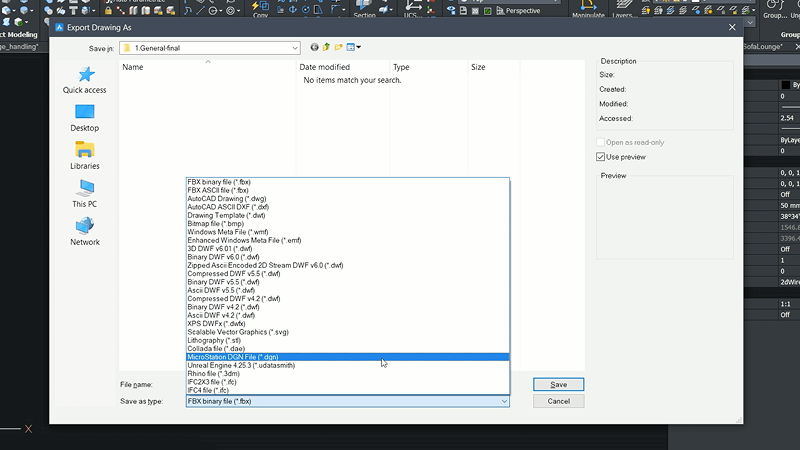
Enhanced import/export functions simplify file sharing, including improved support for exporting to 3D PDF, DGN, and PRC formats.
Streamlined Sheet Metal, Piping, and Drafting – BricsCAD® Mechanical V25
Animation – NEW
Animate exploded views with the new Animation Panel, enhancing your understanding of design functionality in realistic scenarios.
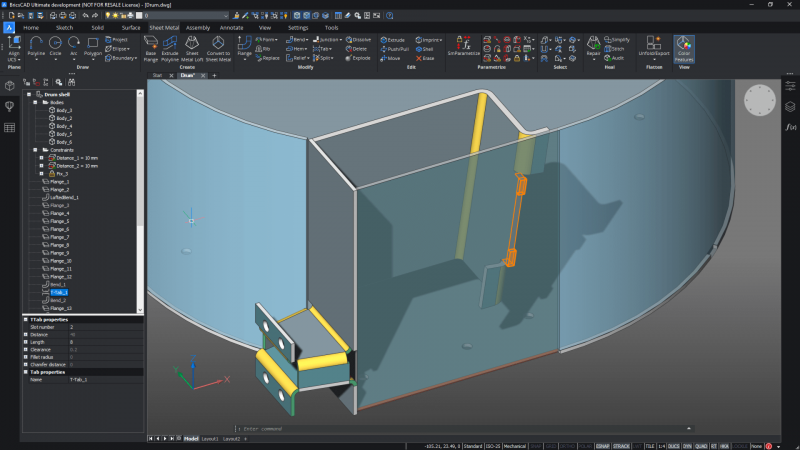
Sheet Metal – ENHANCED
Eight new and upgraded commands accelerate and simplify sheet metal workflows, increasing productivity.
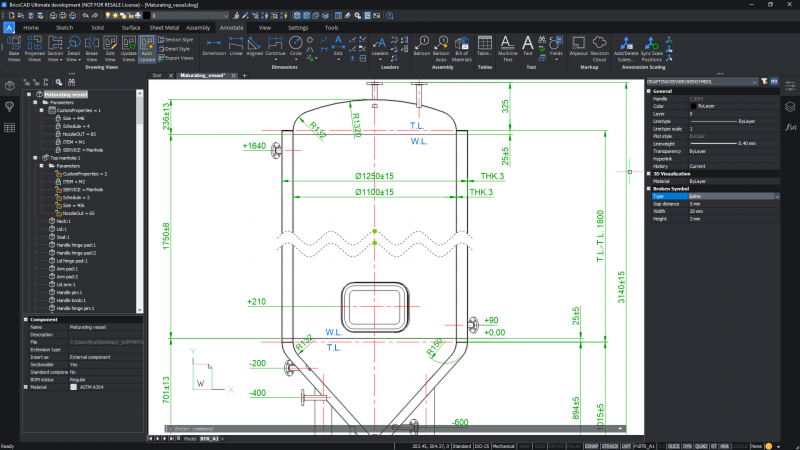
2D Drafting – ENHANCED
Create 2D documentation with greater ease, including break-down views and efficient editing of proxy objects.
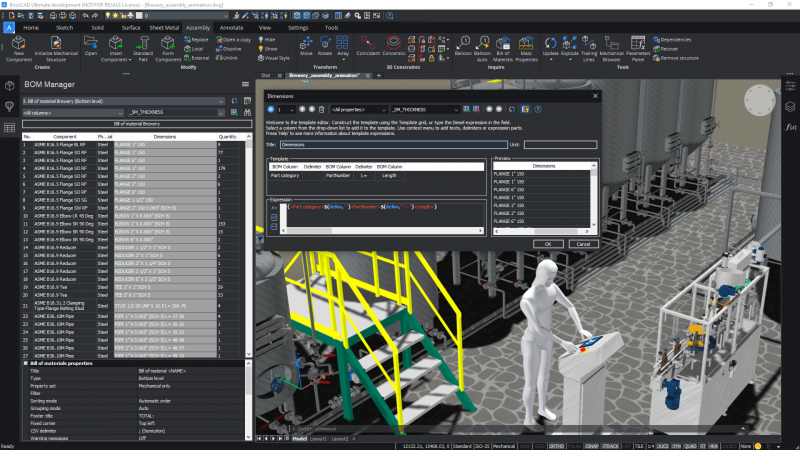
BOM Manager – ENHANCED
Enhanced BOM Manager provides greater flexibility for managing Bills of Materials (BOMs), featuring custom columns, advanced filtering, and parameter aggregation—ideal for repeated use in future projects.
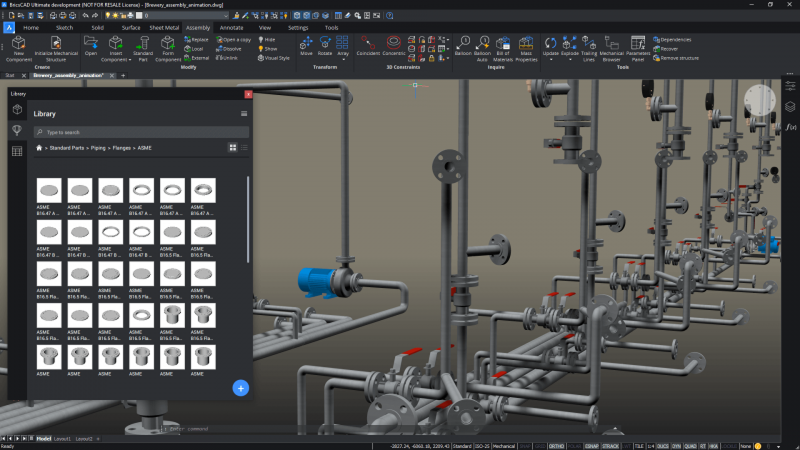
BMINSERT – ENHANCED
Originally introduced in V21 for inserting sheet metal features, BMINSERT now includes Smart Insert mode, enhancing its functionality for pipe design.
Improved Versatility for Civil and Survey Professionals – BricsCAD® Pro V25
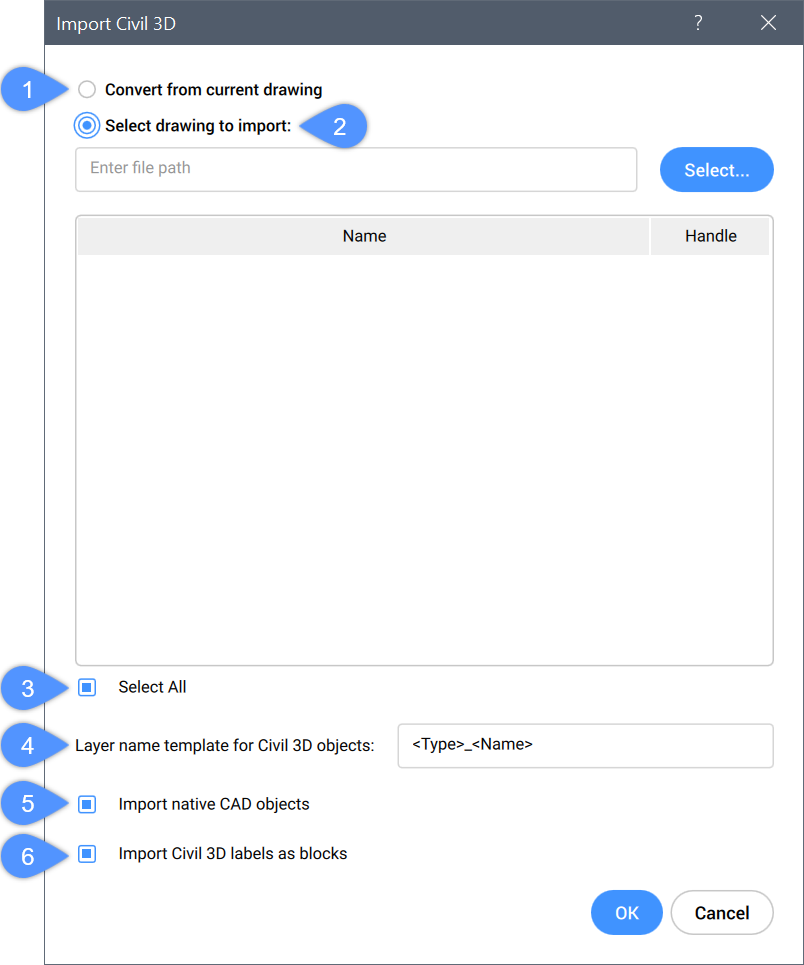
CIVIL3DIMPORT – NEW
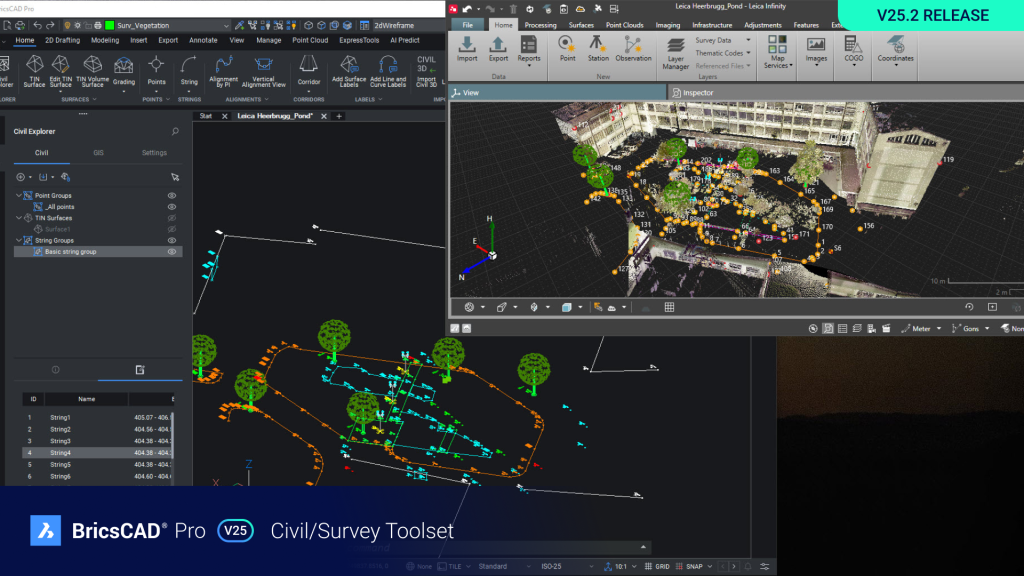
BricsCAD® V25 enhances interoperability with Autodesk® Civil 3D, enabling users to import multiple civil entities from external Civil 3D drawings simultaneously.
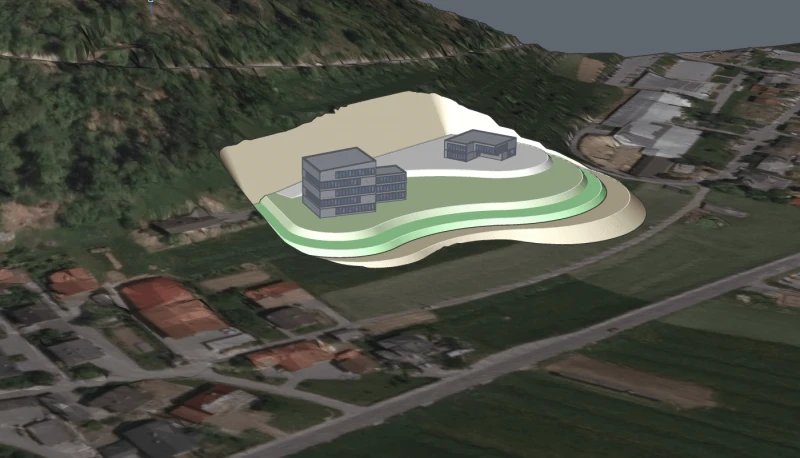
GRADINGBALANCE – ENHANCED & Unique to BricsCAD®
Exclusive to BricsCAD®, GRADINGBALANCE calculates optimal building placement by balancing excavation and fill volumes efficiently, simplifying TIN grading.
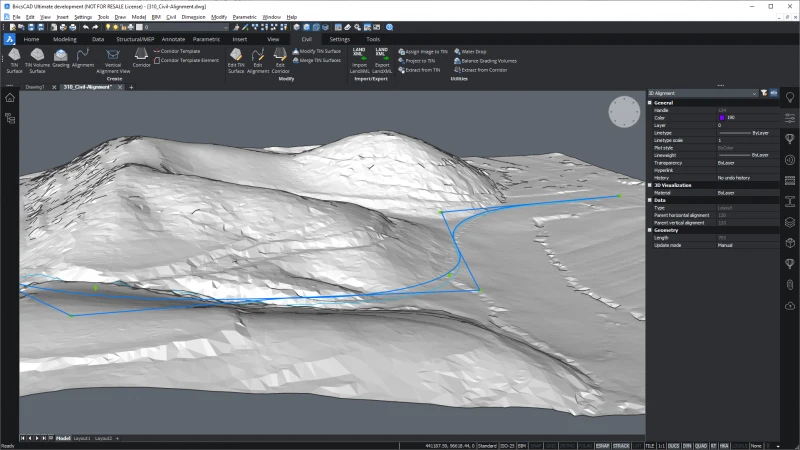
Alignments – ENHANCED
Major enhancements to ESnaps allow civil designers to snap efficiently to endpoints, midpoints, nearest points, and perpendicular points on both horizontal and vertical alignments.
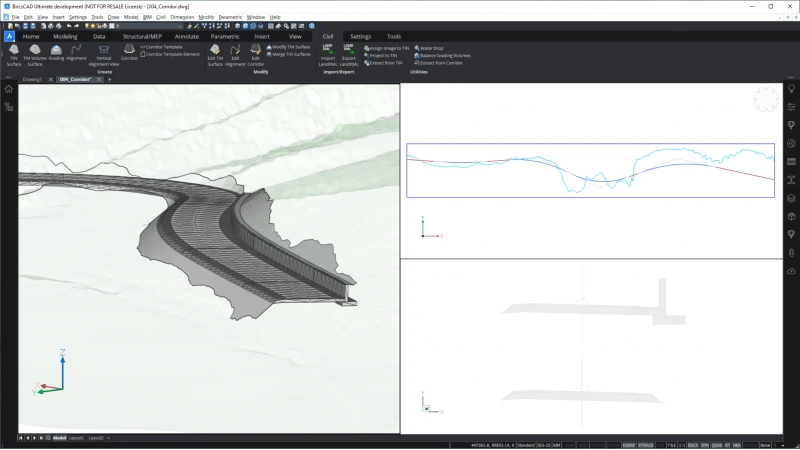
Corridors – ENHANCED
Enhanced corridor functionality supports comprehensive design of linear infrastructure such as roads, railways, retaining walls, and bridges.
Import – ENHANCED
Improved LandXML interoperability supports new alignment curves, including Spiral-Curve-Spiral combinations and parabolas.
Advanced Design, Detailing, and Visualisation – BricsCAD® BIM V25
Integration with Twinmotion – NEW
BricsCAD® BIM integrates seamlessly with Twinmotion, enabling the creation of detailed and visually engaging renderings, panoramas, and videos directly from your BIM and CAD models.
Import from RVT – NEW Easily import geometry from Autodesk® Revit®, facilitating smoother collaboration between platforms.
QUICKBUILDING – NEW & Unique to BricsCAD® Rapidly convert solid massing models into detailed conceptual BIM designs featuring walls, slabs, and spaces.
BIMIFY – NEW & Unique to BricsCAD®
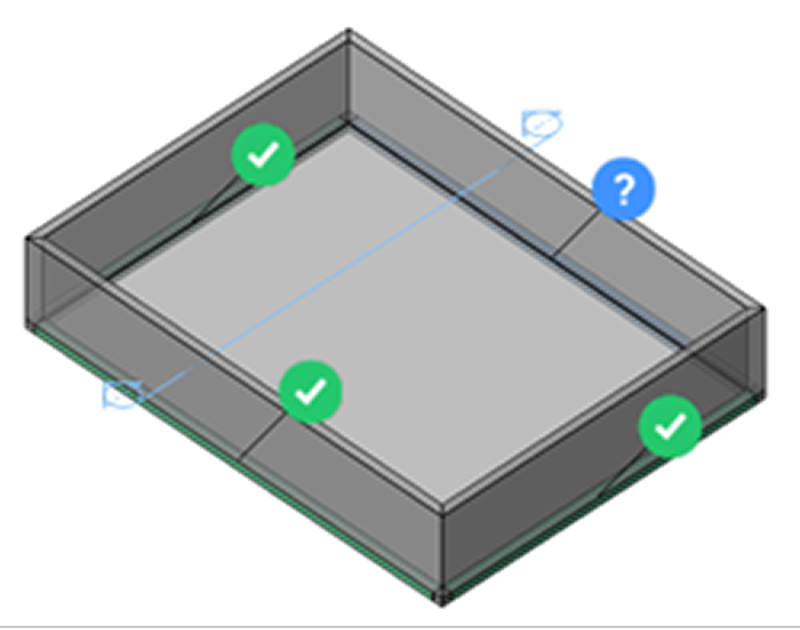
Automatically classify and assign spatial properties in BIM projects. BIMIFY analyses models, assigns attributes, and generates plan sections and elevations with minimal manual effort.
PROPAGATE – NEW & Unique to BricsCAD®
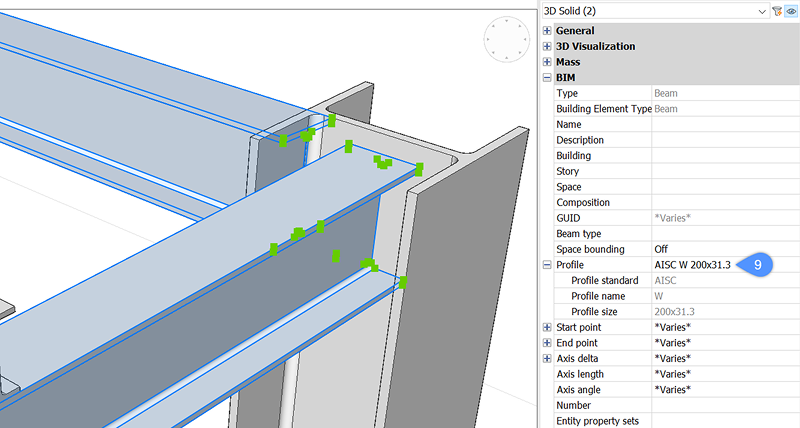
Efficiently replicate design details throughout your BIM project, significantly reducing repetitive manual tasks.
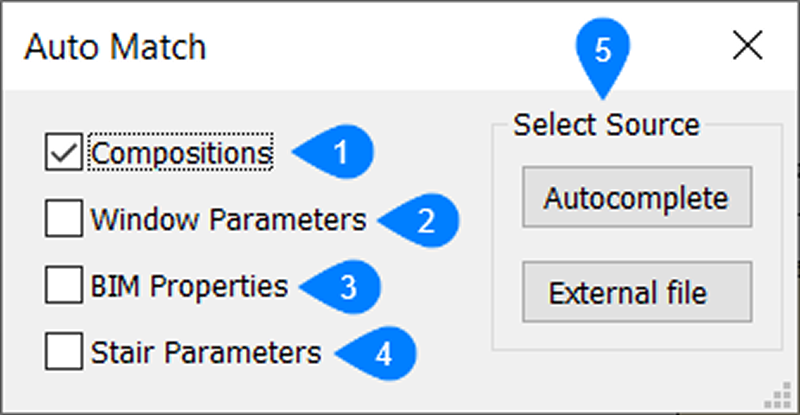
AUTOMATCH – NEW & Unique to BricsCAD®
Automate the matching and completion of BIM information across multiple entities, enhancing your overall workflow productivity.
Upgrade to BricsCAD® V25 Today!
Ready to take advantage of these powerful new tools and improvements? Now is your chance to upgrade to BricsCAD® V25. Enhance your efficiency and productivity today by discovering everything BricsCAD® V25 has to offer.