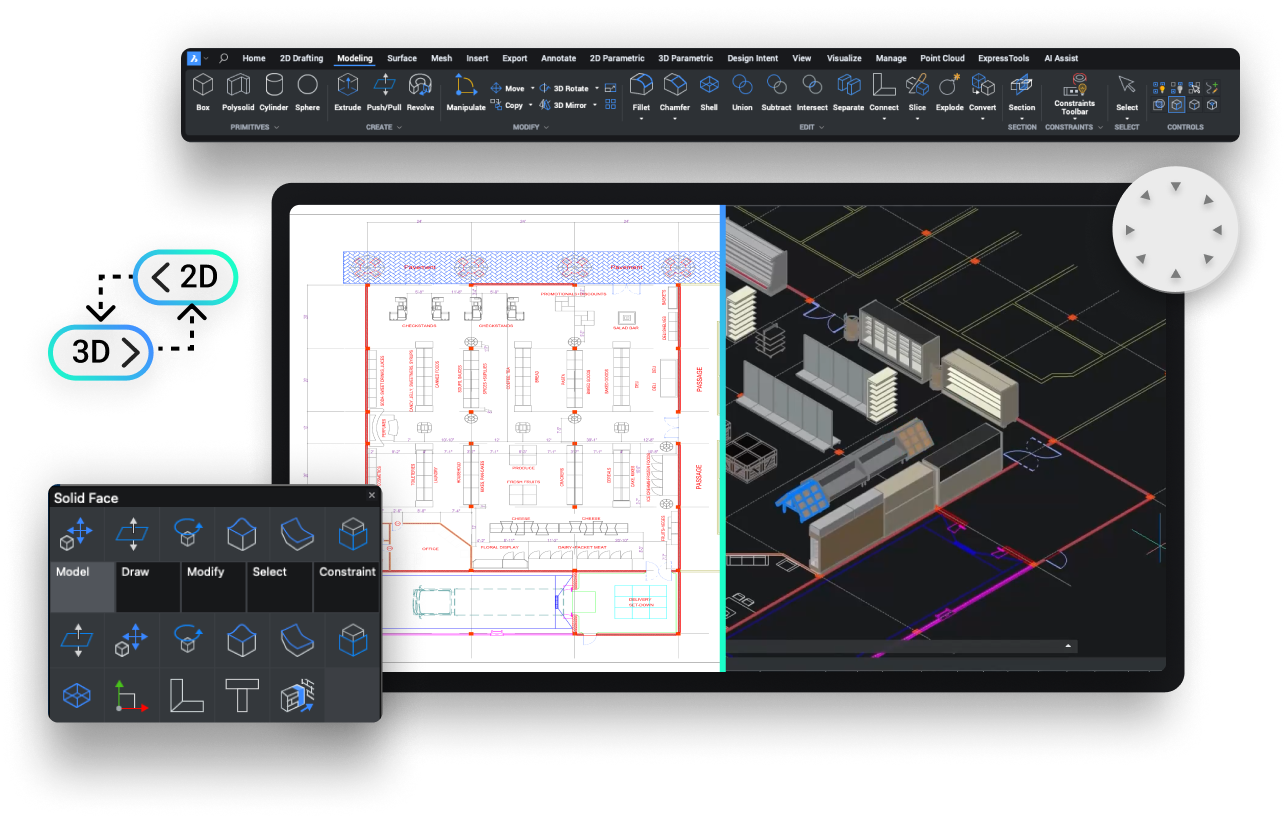
BricsCAD Lite is built for professionals who need reliable 2D drafting and detailing in a DWG based environment. With AI driven productivity features and full LISP support that helps teams create, edit, markup, and publish drawing work efficiently.
For users and businesses whose day to day work is centered around professional 2D design, BricsCAD Lite is the perfect option. It is designed for creating general 2D drawings, updating existing DWG files, managing documentation, and producing clear deliverables for internal teams, clients and suppliers. This software offers a straightforward environment with familiar working principles and the flexibility to automate routine tasks.
Compatible with AutoCAD® files, commands, templates, and printers
Enhancing efficiency by converting repeated element sets into blocks
Enables real-time modification of AutoCAD’s® dynamic block attributes.
Custom tool palettes for easy access to common commands and elements.
Copy and Move Guided accurately position elements with references
Use popular .dwg file format nativley, ensuring compatibility with AutoCAD®
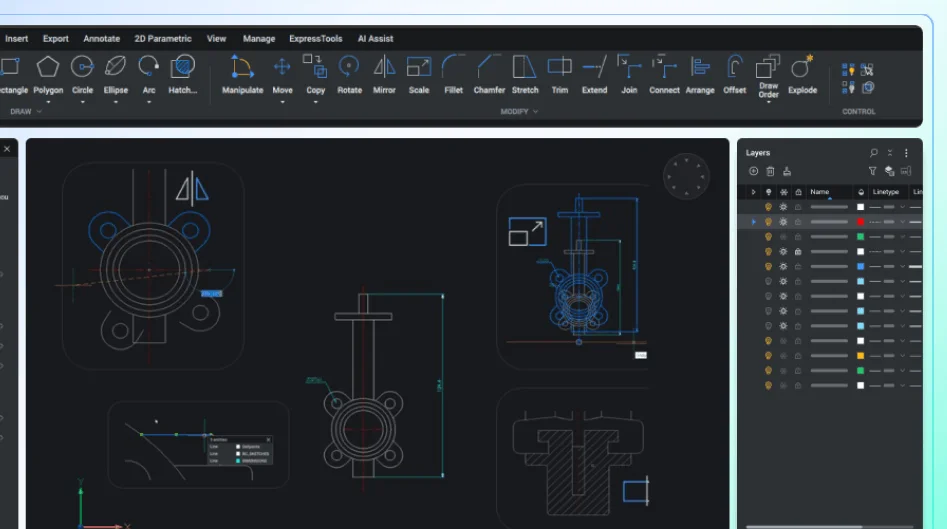
Efficiently organise drawing elements with complex layer management.
Includes dimensions and text to convey detailed information within drawings
Maximising efficiency with seamless LISP script integrations.
Updates measurements accurately with design alterations
Instead of spreading work across disconnected tools, users can stay in one environment and keep their drawings, standards, and deliverables more consistent from start to finish. Helping teams move from drawing creation to checked output easily.
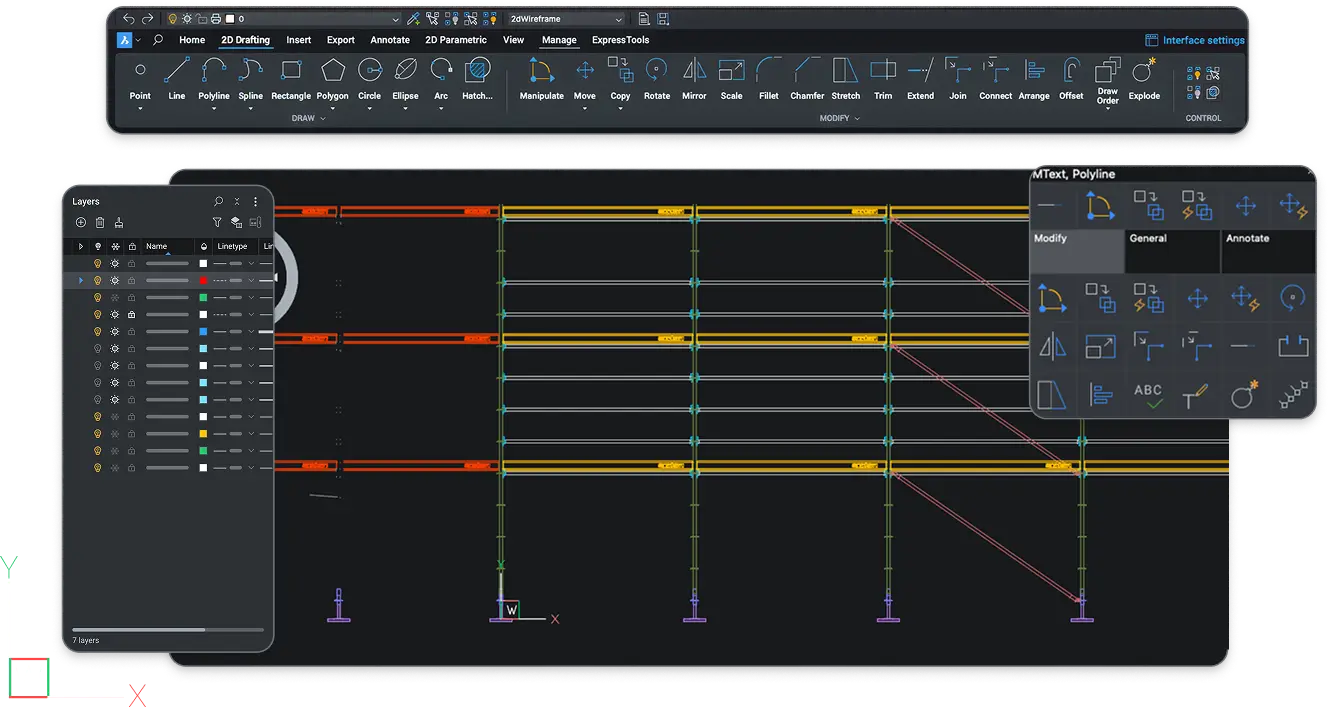
Create precise technical drawings fast with an advanced suite of smart drafting features.
Produce 2D shapes, edit current data, and add annotations to files through a single, integrated command environment.
Adapt the software with LISP and use your existing LISP routines to support specialised industry workflows.
BricsCAD Lite is a strong choice for 2D focused teams that want dependable drafting capability and a practical route away from heavier or less flexible CAD workflows. Designed to help you stay productive, standardise output, and handle day to day drawing work with more confidence.
01
Concentrate on the tools that matter most for 2D drafting, detailing, reviewing, and publishing.
02
Use a CAD platform built around DWG workflows, helping reduce disruption from day one.
03
Use AI driven productivity tools, drawing clean up features, and structured sheet management to reduce manual effort.
04
Use LISP support to streamline routine actions, reinforce standards, and make everyday drafting more efficient.
BricsCAD Lite gives teams a smarter way to produce accurate drawings without unnecessary complexity. Whether you are creating new documentation, updating existing files, managing revisions, or preparing drawings. It helps keep work efficient and consistent.
Produce clear technical drawings and layouts using a wide range of drafting and annotation tools.
Work directly in native DWG so you can review, update, and communicate drawing information without disruption.
Check drawing changes efficiently with tools that help teams review updates and maintain accuracy.
Prepare layouts, sheet sets, and issue ready outputs more consistently for clients, suppliers, and internal teams.
Built for professional 2D drafting, BricsCAD Lite supports teams across engineering, manufacturing, and architecture. It is a practical choice for businesses that need accurate drawings, clear documentation, and dependable workflows.
BricsCAD Lite supports engineering teams with accurate 2D technical drawings, layouts, schematics, and documentation for everyday design and drafting work.
For manufacturing workflows, BricsCAD Lite helps users produce clear 2D drawings, plans, and documentation that keep design information organised and easy to issue.
BricsCAD Lite is suited to architectural 2D work, helping users create plans, drawing packages, and detailed documentation with a familiar drafting workflow.
Choosing the right CAD platform is only one step. As the UK’s official BricsCAD reseller, we help businesses move forward with practical advice, trusted support, and structured training that helps users get up and running with confidence.
Migration Support
Move to BricsCAD with practical guidance around transition, familiar workflows, and bringing your existing standards and customisations across while you keep designing.
Dedicated Assistance
Receive direct technical support from BricsCAD experts when you need help with the software. Ensure your team has minimal disruption so you can keep working.
Practical Training
Build confidence with training created by our CAD specialists. Learn how to use the software around real work tasks and everyday use.
System Health Checks
Stay ahead of issues with regular updates and system checks that help keep your CAD environment running smoothly.
"Overnight, I was able to cut down the time it would take to create 2D documentation of a design from 3 hours to 5 minutes."
Carl James
Design Engineer at
Independent Design House
“I'm happy that we decided to use BricsCAD in the company because of the great support, and it was the right decision for sure.”
Marcus Funk
Systems Administrator & Softwre Developer for Digital Operations/CAx at MAPAL
"we now have a program that handles the design, the cost estimation, and the manufacturing layout all in a matter of minutes.”
Chris Pickels
Sales Director
at Playrite
Choose from two introductory BricsCAD packages created to help you get started with confidence. Whether you are switching from another CAD platform or are entirely new to CAD, we offer a tailored package with software, support, and training to match your needs.
Do you have unanswered questions regarding BricsCAD® Lite?
Find the answers to your questions below
If your work involves a combination of 2D drawings and 3D models, BricsCAD® Pro is perfectly suited for your needs. It builds upon the features found in BricsCAD® Lite, adding direct 3D modeling with comprehensive 3D constraints, advanced rendering with materials and lighting, and support for third-party applications.
BricsCAD® Lite is included within the trial. Once you download the trial by clicking here, you will have access to BricsCAD® Ultimate which includes all the features of Lite and also Pro, BIM and Mechanical for 30 days.
If you already have BricsCAD® Lite and are looking to upgrade the BricsCAD® Pro, please contact one of our BricsCAD® experts by completing the contact form found on our contact page.